WordPress Core Updates
Routine review and update handling for the WordPress core software.
WordPress Maintenance for Australian Businesses
WebGeeks helps Australian businesses keep WordPress websites maintained with routine updates, checks, backups and ongoing website care.
See What Maintenance IncludesOngoing WordPress maintenance • Australia-wide
Maintenance Scope
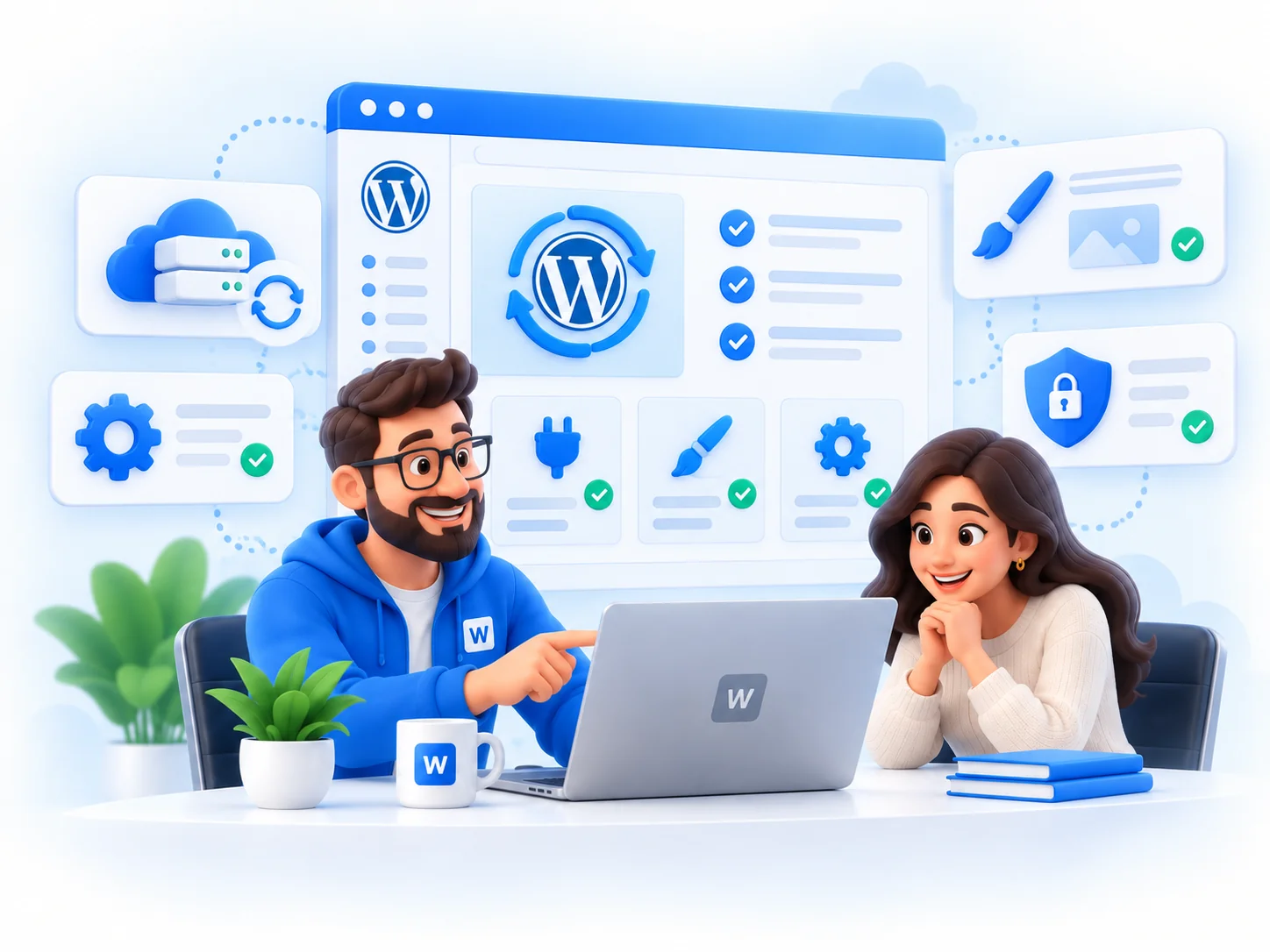
Maintenance is planned website care. The exact scope depends on the website, hosting setup and business needs agreed before work begins.
Routine review and update handling for the WordPress core software.
Managed plugin update work with sensible checking around compatibility.
Theme update support where the website setup and scope allow it.
Review that backup options exist where supported by the hosting environment.
Regular checks for visible website issues and common maintenance concerns.
Practical review of pages that feel slower or harder to use over time.
Small website care tasks for content, layout and presentation updates.
Website-focused coordination with hosting providers where needed.
Help with maintenance-related issues inside the agreed scope.
Clear notes on completed maintenance work and recommended next steps.
Update Management
Updates can introduce compatibility issues, especially on business websites with multiple plugins, custom layouts or older hosting environments.
Maintenance should include sensible review and testing. Critical business sites may need staging, backup or hosting precautions depending on the setup and agreed scope.
Backups
Backup availability depends on the website and hosting environment. Where supported, WebGeeks can review whether backup options exist and help businesses understand the recovery position before maintenance work becomes routine.
Business-Only Website Care
WebGeeks provides WordPress maintenance for businesses, organisations and professional teams that want ongoing care for their website.
Our focus is the business website itself — its WordPress software, hosting environment, content and ongoing operation.
WebGeeks does not provide consumer computer, device or personal account support.
Process
Understand the current WordPress setup, hosting and maintenance needs.
Define what WebGeeks will maintain and how often.
Perform the agreed routine updates and checks without implying unattended guarantees.
Handle maintenance-related problems within the agreed scope.
Recommend changes when the website or hosting setup needs attention.
Service Boundaries
Planned ongoing care for updates, checks, backups and routine website tasks.
Help when something breaks, changes are needed or troubleshooting is required. See WordPress Support.
Why Maintenance Matters
WordPress changes over time. Core software, plugins and themes receive updates, and hosting platforms can change in ways that affect website behaviour.
Regular maintenance gives the website steady oversight, helping businesses avoid neglected software, slower pages, unstable features and problems that become harder to manage later.
Questions
Maintenance can include updates, routine checks, backup review, small website care tasks, troubleshooting and maintenance notes, depending on the agreed scope.
The right cadence depends on the website, hosting setup, plugins and business needs. WebGeeks helps define a practical schedule before work begins.
Yes, where included in the agreed scope. Updates are handled with sensible review rather than blindly clicking every available update.
WebGeeks can review backup availability where supported by the hosting environment. Backup capabilities depend on the website and hosting setup.
Routine maintenance can reduce avoidable issues and make problems easier to catch, but it is not a guarantee that a website will never have faults.
The issue is reviewed within the agreed maintenance scope. Some situations may require separate repair work, backups, hosting access or additional approval.
Often, yes. This depends on the hosting provider, available access, backup options and the technical setup of the website.
No. Maintenance can be scoped separately. Managed hosting can be discussed if it is a better fit for the business.
No. Maintenance is planned ongoing care. Support is help when something breaks, a change is needed or troubleshooting is required.
Yes. If the website already has a fault, WebGeeks can assess whether repair work is needed before ongoing maintenance begins.
Maintenance Enquiry
Tell WebGeeks about your WordPress website and we’ll help you work out an appropriate maintenance setup.
For Australian businesses and organisations.
Contact
Tell us what you need and we’ll help you work out the right next step.