Critical Error
Review when WordPress displays a critical error or the admin area becomes unavailable.
WordPress Website Repair for Australian Businesses
WebGeeks helps Australian businesses diagnose and repair WordPress website problems — from failed updates and plugin conflicts to broken pages, errors and unexpected redirects.
See Common Website ProblemsBusiness website repair • Australia-wide

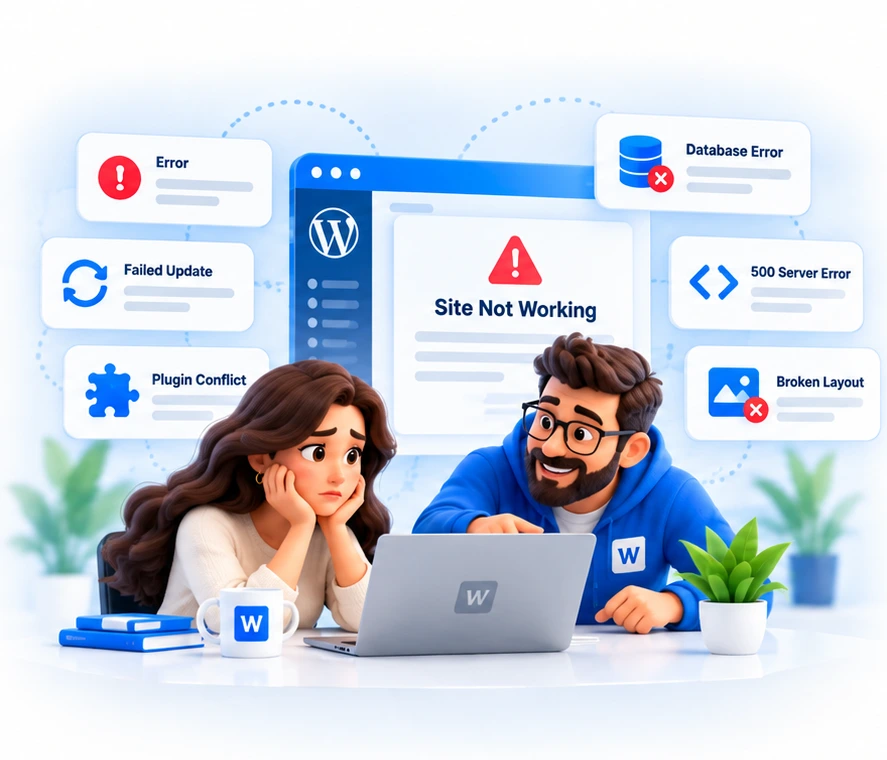
Website Repair Problems
A broken WordPress site can have a simple cause or a layered one. We start by reviewing what is visible, what changed recently and what access or backups are available.
Review when WordPress displays a critical error or the admin area becomes unavailable.
Help narrowing down server, plugin, theme or configuration issues behind a 500 error.
Assessment after a core, plugin or theme update leaves the website broken.
Troubleshooting when extensions affect layouts, features or site behaviour.
Review of business websites that are unavailable, blank or intermittently failing.
Repair direction for page layouts, missing content or damaged front-end presentation.
Investigation of redirect problems, unfamiliar landing pages or changed website paths.
Assessment of database connection errors and hosting context where available.
Failed Updates
WordPress core, plugin and theme updates can sometimes expose compatibility problems. A website might show a blank page, lose functionality, display layout issues or make the admin area difficult to use.
WebGeeks reviews the issue and works from the available backups, access and approved scope. We do not assume a rollback is possible before the website has been assessed.
Compromised Website Review
If your WordPress website is redirecting unexpectedly, showing unfamiliar pages or appears to have been compromised, WebGeeks can assess the website and determine the appropriate recovery and remediation scope.
Business-Only Website Repair
WebGeeks provides website repair and WordPress support for businesses, organisations and professional teams. Our work focuses on the business website, its hosting environment and its ongoing operation.
WebGeeks does not provide consumer computer, device or personal account support.
Process
Share the website URL and a clear description of what changed or stopped working.
We assess visible errors, update history, hosting context and available access needs.
The likely cause and proposed repair work are explained before approved work begins.
Approved repair work is completed, then affected pages and features are checked.
Where appropriate, we recommend maintenance, backups or hosting changes.
Repair Scope
After Repair
Once the immediate issue is understood, one-off repair can naturally lead to maintenance planning, managed WordPress hosting or ongoing WordPress support.
WordPress Support is available as an implemented service page for businesses that need broader help with their website.
Questions
WebGeeks can assess the update history, visible symptoms, access available and backup position, then recommend an appropriate repair scope.
Yes. We can review a business WordPress website showing a critical error and work out the next practical repair step.
Yes. A 500 error can have several causes, so we review the website and hosting context before recommending repair work.
WebGeeks can troubleshoot plugin and theme conflicts where access, backups and the agreed commercial scope allow it.
Yes. Unexpected redirects can be reviewed to determine whether the cause is configuration, plugin behaviour, hosting setup or possible compromise.
WebGeeks can assess the website and determine the appropriate recovery and remediation scope. Recovery details depend on the site state, access and backups.
No. Website repair can be scoped separately. Managed hosting can be discussed later if it suits the business.
Please share the business name, website URL, what happened, when it started and any visible error messages.
No. Do not send website passwords or login credentials through the standard enquiry form. If access is required, WebGeeks will arrange an appropriate secure method.
Repair Enquiry
Tell WebGeeks what happened and we’ll help you work out the right repair path.
For Australian businesses and organisations.
Contact
Tell us what you need and we’ll help you work out the right next step.